 IPHONE CARE
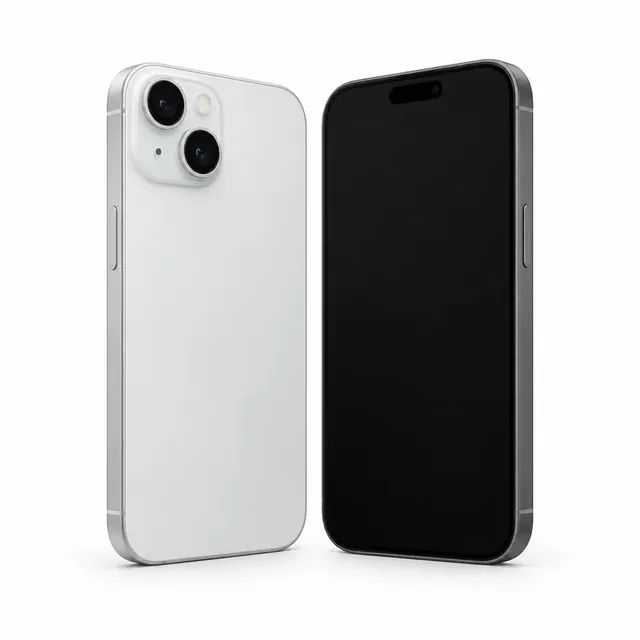
How to check an iPhone's battery health
Open Settings → Battery → Battery Health & Charging. On some models, the menu is called Battery Health. Maximum Capacity shows the battery’s capacity compared with when it was new.
Check any service or battery messages, too. A percentage alone does not tell you everything about everyday battery life. Ask to inspect the phone and confirm its battery details before buying.
 BUYING ADVICE
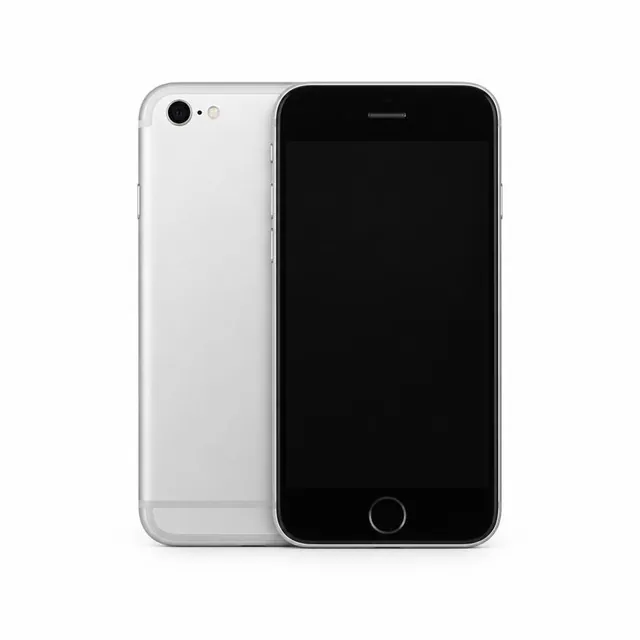
What to check before buying a used phone
Test the screen, cameras, speakers, microphone, buttons, charging port and wireless connections. Check the storage capacity and look for any repair or parts messages.
Make sure the previous owner has removed their account and device lock. For an iPhone, confirm Find My and Activation Lock have been removed. Check that your SIM works, and confirm the model and IMEI with the seller.
 KNOW YOUR PHONE
eSIM vs physical SIM: what it means for you
A physical SIM is a removable card. An eSIM is built into the phone and is activated digitally by a supported mobile network. Some phone variants support both; others may be eSIM-only.
Before buying an eSIM-only phone, check that your mobile network supports eSIM for your plan and ask how activation and transfer work. Support depends on the phone variant and network, so confirm the exact model first.